Online examinations require a controlled and well-prepared environment to ensure fairness, security, and smooth conduct of the test. This guide outlines the essential requirements for your exam setup, camera positioning, and conduct during the exam.
These guidelines are recommended for exams that do not require Respondus Monitor.Recommended Exam Room
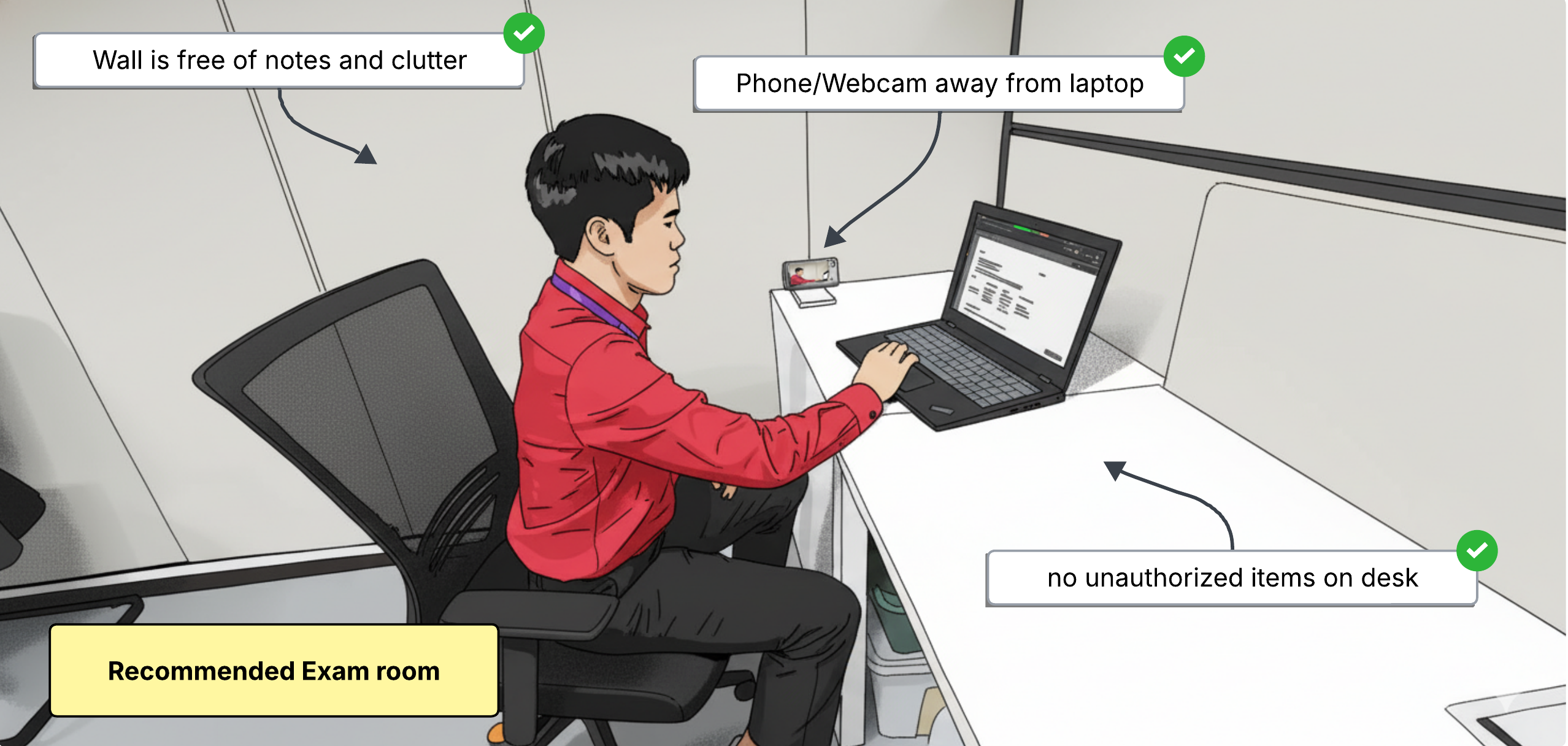
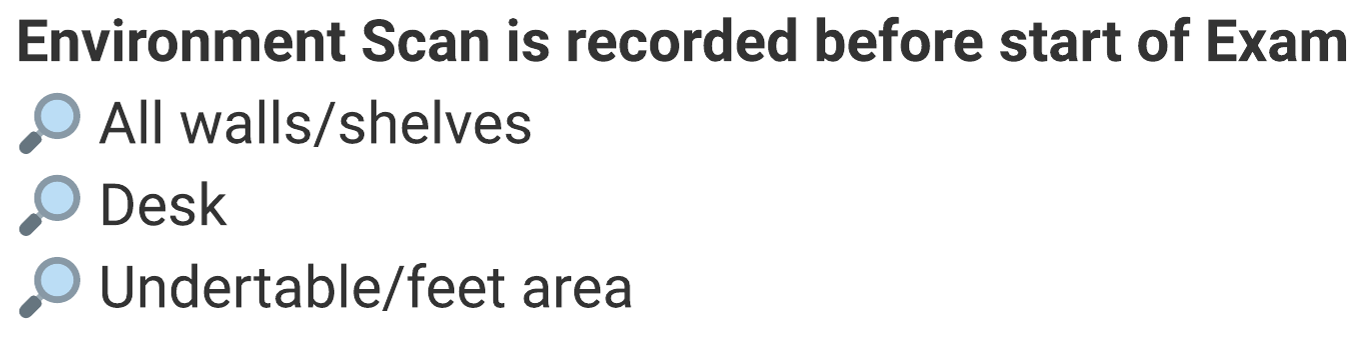
✅ Well-lit room
✅ One laptop/PC Only
✅ One mouse/keyboard allowed
✅ Phone/Webcam away from laptop
✅ Ensure devices are charged/plugged-in
✅ Strong and stable internet/Wifi
❌ No headphones or other smart wearables
❌ No secondary monitor
❌ No people passing-by
Recommended Proctor's View
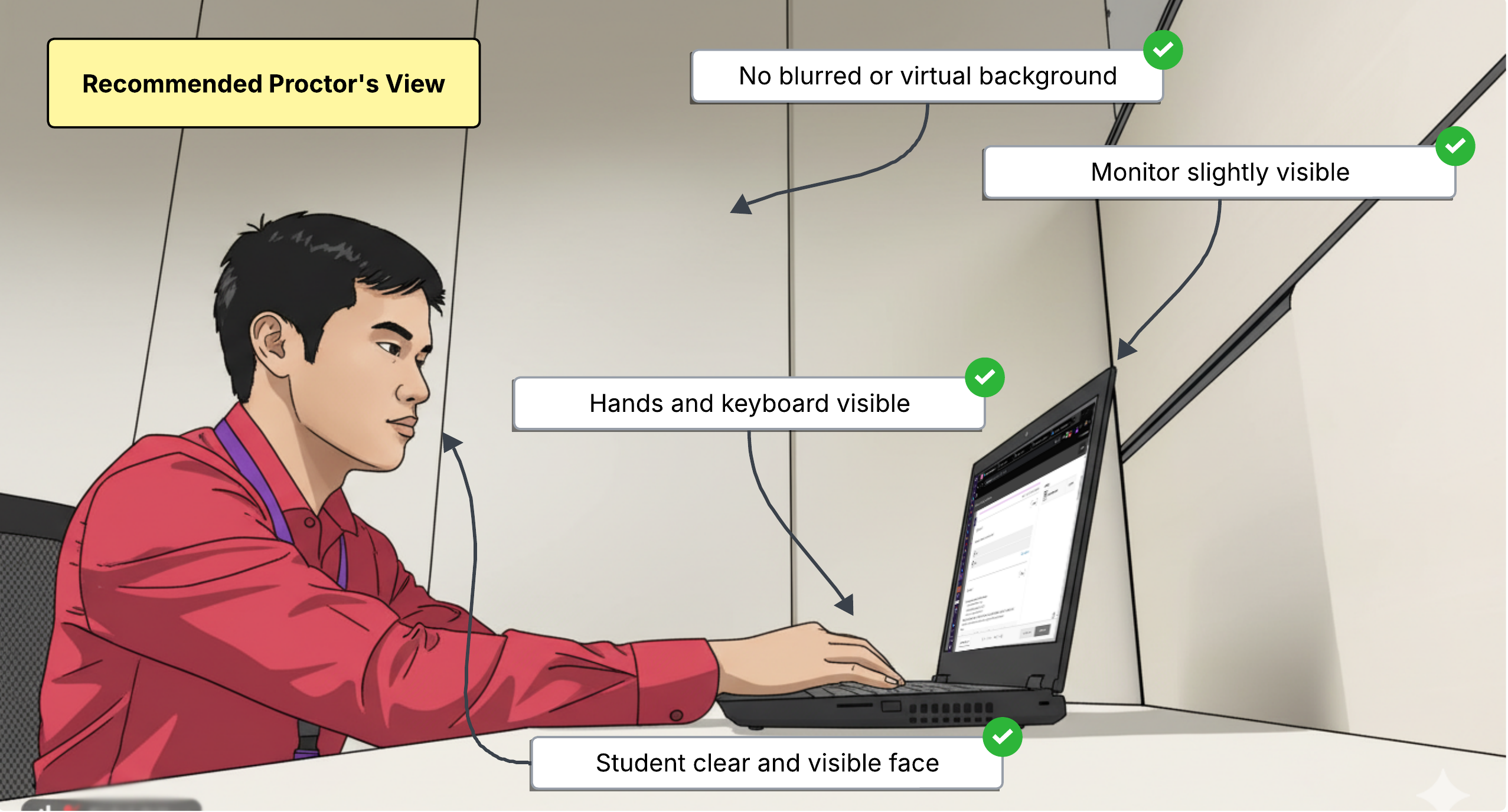
✅ Camera and Mic always on
✅ Monitor slightly visible
✅ Face, hands, and keyboard visible
✅ Join the session ahead of time
❌ No blurred/virtual background
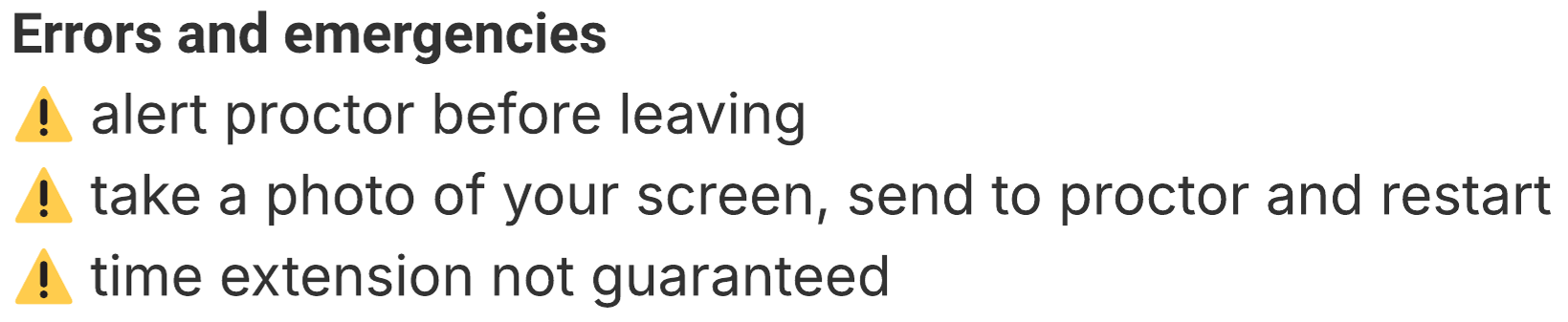
❌ No leaving from view
❌ No taking/noises
Was this article helpful?
That’s Great!
Thank you for your feedback
Sorry! We couldn't be helpful
Thank you for your feedback
Feedback sent
We appreciate your effort and will try to fix the article