Log in to ALICE at https://alice.aim.edu/ using your AIM Microsoft 365 log-in credentials.
Steps:
1. Select “Sign In with Microsoft AIM.”
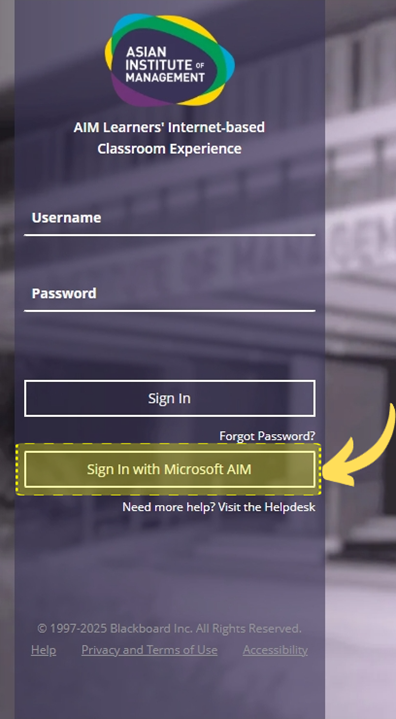
2. Once redirected to Microsoft login page, type your AIM Microsoft 365 login credentials and click next.
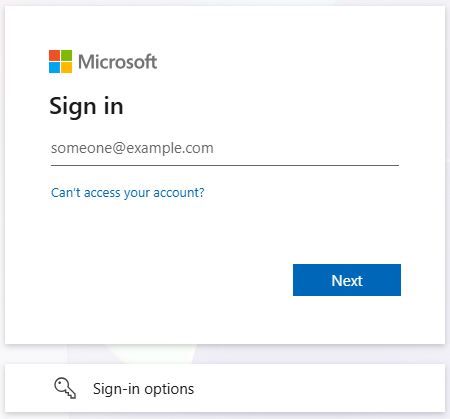
Your AIM Microsoft 365 log-in credentials are provided by icthelpdesk@aim.edu. In case of forgotten email or password, kindly reach out to their office directly via email.
Was this article helpful?
That’s Great!
Thank you for your feedback
Sorry! We couldn't be helpful
Thank you for your feedback
Feedback sent
We appreciate your effort and will try to fix the article